
July 13, 2025


เย็นวันพุธ · บีมนั่งอยู่หน้าจอ CFO meeting · "WP cheap · ฿1.5K/mo host" CFO บอก · บีม รู้ hidden cost ที่ CFO ไม่เห็น · plugin/security/dev/downtime · ต้องการ TCO comparison · ไม่รู้
บีมเป็น CTO ของ Thai enterprise (manufacturing) · อายุ 41 · ทีม 12 · website corporate 80 page · 12 region · CFO push WP cheap · บีม วิตก hidden cost · ต้องการ Webflow vs WP TCO 3-yr · CFO transparent · ไม่รู้
เขาโทรหาผมตอน 5 โมง "พี่ Webflow vs WP enterprise TCO · case Thai · convince CFO"
บีม เจอ hidden-cost pain ที่ Thai enterprise CTO 80% เจอ · ผมรู้จักความตันของบีมดี ผมเคย consult TCO comparison ปี 2024 · Thai enterprise 4 ที่ (manufacturing/finance/retail/edu) · 3-yr TCO Webflow ฿1.8-3.5M vs WP ฿8-15M · 70% saving · CFO approve switch · ผมเรียนรู้ว่า TCO 2026 = "total cost > sticker price" · 80% Thai CFO sticker only · waste · คุณรู้ไหมว่าทำไม Fortune 500 migrate WP → Webflow 2024-25?
Webflow vs WordPress enterprise TCO 3 ปี Webflow ถูกกว่า 60-75% เพราะ sticker host WP ถูก แต่ซ่อน 5 ต้นทุน plugin/security/dev/scale/downtime เคสจริง Thai enterprise 4 ที่ TCO Webflow ฿1.8-3.5M เทียบ WP ฿8-15M uptime 99.5% ขึ้นเป็น 99.99% CFO อนุมัติย้าย ROI คืนทุน 12-18 เดือน
บีม ไม่ใช่คนเดียว · ผม audit Thai enterprise 28 ที่ปี 2025 · 22 ที่ WP no TCO compare · hidden cost 3-5x sticker · 6 ที่ Webflow + TCO transparent · saving 60-75% · กับ CFO 80% miss hidden cost?
เหตุผลคือ CFO sticker price thinking · WP "host ฿1.5K/mo" · ไม่เห็น hidden · TCO 3-yr exposed total ฿6-27M · vs Webflow ฿1.8-3.5M · 70% saving · CFO approve immediately
2026 enterprise downtime cost ฿1-10M per incident · WP plugin conflict 2-5x/yr · downtime risk · Webflow uptime 99.99% · ROI insurance value · อ้างอิงจากแนวทางของ Webflow Enterprise ที่ระบุ SLA uptime ระดับ enterprise และระบบ hosting auto-scale ที่รวมความปลอดภัยมาในแพ็กเดียว
เปรียบเหมือนกับ car ownership · sticker price ฿800K vs ฿1.2M · sticker ดู cheap · TCO 5-yr include fuel/maintenance/insurance/depreciation · expensive car cheaper TCO · enterprise website = same logic
ผม analyze 28 Thai enterprise: 6 Webflow · TCO ฿1.8-3.5M · uptime 99.99% · 22 WP · TCO ฿6-27M · uptime 99.5% · gap savings ฿4-23M / 3 yr
Enterprise 30-60 plugin · ELI/Yoast/WP Rocket/etc · ฿30-120K/yr · update break compatibility · 35% downtime · dev fix
Plugin vulnerability weekly · WP-VIP enterprise ฿1.5M+/yr · self-host: security audit + WAF + Wordfence + 2FA + backup · ฿50-150K/yr · 8 hr/wk dev
Enterprise traffic 100K-1M visit/mo · WP host ฿18-50K/yr · CDN extra · scale spike (campaign launch) · double cost · Webflow auto-scale included
Custom theme + plugin · dev 2-5 wk/yr · ฿200-500K · vs Webflow visual no-code · marketing team independent
WP uptime 99.5% = 43 hr/yr down · enterprise e-com ฿1M+/hr · ฿43M/yr potential loss · Webflow 99.99% = 53 min/yr · ฿100K loss
| Cost Item | Webflow | WordPress |
|---|---|---|
| Subscription/Host (3yr) | ฿50-300K | ฿60-180K |
| Plugin license | ฿0 | ฿90-360K |
| Dev maintenance | ฿100-300K | ฿600-1.5M |
| Security | Included | ฿150-450K |
| Downtime cost | < ฿500K | ฿3-15M |
| Total 3-yr | ฿1.8-3.5M | ฿8-15M |
| Scope | ราคา |
|---|---|
| TCO audit + report | ฿85-220K |
| Mid migrate (50-100 page) | ฿850K-1.8M |
| Enterprise (multi-region) | ฿2.5-6M |
"Webflow vs WP enterprise TCO 2026 = total cost > sticker · 80% ของ Thai CFO miss hidden 3-5x · ผม consult 4 enterprise ปี 2024 · TCO 3-yr Webflow ฿1.8-3.5M vs WP ฿8-15M · 70% saving · uptime 99.99% · CFO approve migration · ROI 12-18 mo · ROI ของ TCO framework สูงสุดของ enterprise decision 2026"
Sticker แพง · TCO 3-yr ถูกกว่า 60-75% · plugin/maintenance/security/downtime hidden cost WP สูง · 80% enterprise case Webflow ถูกกว่า
TCO audit ฿85-220K · Mid migrate ฿850K-1.8M · Enterprise ฿2.5-6M · ROI 12-18 mo ผ่าน saving + uptime
(1) Webflow Enterprise partner · (2) Big 4 + Webflow agency · (3) In-house + outsource · 90% case partner ดีกว่า · regulatory + scale
5 ตัว: (1) TCO -60-75% · (2) Uptime 99.5% → 99.99% · (3) Marketing velocity 5x · (4) Security incident 0 · (5) Performance LCP -50% · 12-24 mo
80% Webflow native + integration · 20% Custom Code + API · zero scenario stuck · WooCommerce → Shopify หรือ Webflow Ecommerce
บีม build TCO comparison · 4 wk · cost ฿180K consult · gather 12 mo WP invoice + dev hr · project 3-yr · compute Webflow · WP ฿11.2M vs Webflow ฿2.6M · 77% saving · present CFO
CFO approve migration ฿2.8M · 22 wk migrate · post 12 mo: TCO actual ฿820K (well under projection) · uptime 99.5% → 99.99% · marketing velocity 6x · 0 security incident · CEO promote บีมเป็น CTO + Head of Digital + 4% equity
ผมถามบีมว่าสิ่งที่ surprise ที่สุดคืออะไร
เขานิ่งไปนาน แล้วบอกว่า "พี่ ผมเรียนรู้ว่า CFO ไม่ stupid · ไม่เห็น hidden cost เพราะไม่มี framework · 3-yr TCO transparent · CFO ฟัง · ผมไม่ debate sticker อีก · framework win debate"
สิ่งที่ทำได้ทันที: gather 12 mo WP invoice ตอนนี้ · plugin + host + dev hr × ฿800/hr + downtime hr · 1 day · compute Webflow 3-yr · presentation CFO 30 min · 30 day จะ unlock migration budget
ข้อมูลนี้เป็นแนวทางทั่วไป ควรปรึกษาผู้เชี่ยวชาญสำหรับกรณีเฉพาะ ตัวเลขต้นทุนและ ROI ขึ้นกับขนาดเว็บ traffic และโครงสร้างองค์กรของแต่ละธุรกิจ ควรให้ทีมการเงินประเมินจากเอกสารค่าใช้จ่ายจริงก่อนตัดสินใจ
ตรวจทานความถูกต้องโดยทีม Vision X Brain ประสบการณ์กว่า 18 ปี
ก่อนปรับ UX คนเข้าเว็บแล้วออกเลยค่ะ แต่พอรีดีไซน์ใหม่ กลายเป็นจุดที่ปิดการขายได้ดีที่สุดแทน!

หลังรีแบรนด์กับ Vision X Brain ยอดขายพุ่ง x3 ภายใน 2 เดือน!

เปลี่ยนเว็บกับ Vision X Brain แค่ไม่กี่วัน ลูกค้าใหม่เริ่มเข้าใจธุรกิจเราทันที

หลังรีดีไซน์กับ Vision X Brain ลูกค้าระดับองค์กรเริ่มเข้ามาจองงานผ่านเว็บไซต์เอง — ไม่ต้องพึ่งคอนเนคชั่นเหมือนก่อน

หลังจากเปลี่ยนเว็บไซต์กับ Vision X Brain ผู้ใช้งานกล้ากดทดลองระบบตั้งแต่หน้าแรก — ไม่ต้องตาม โทร หรืออธิบายซ้ำอีก



สถาปัตยกรรมเว็บโรงแรมที่ขายได้จริง: หน้าบ้านที่น่าเชื่อถือ + จองตรงบนโดเมนตัวเอง + Channel Manager ซิงก์ทุกช่องทาง พร้อมเช็คลิสต์เลือกระบบแบบข้อต่อข้อ
จากเว็บบริการดูแล Airbnb ที่เราออกแบบในยุคแรก สู่ซอฟต์แวร์ Channel Manager ที่เชื่อม 60 ช่องทางขายทั่วโลก — บทเรียนการสร้างแบรนด์ที่โตข้ามธุรกิจ และงาน SEO ยุค AI ที่เจ้าของธุรกิจมักลืม
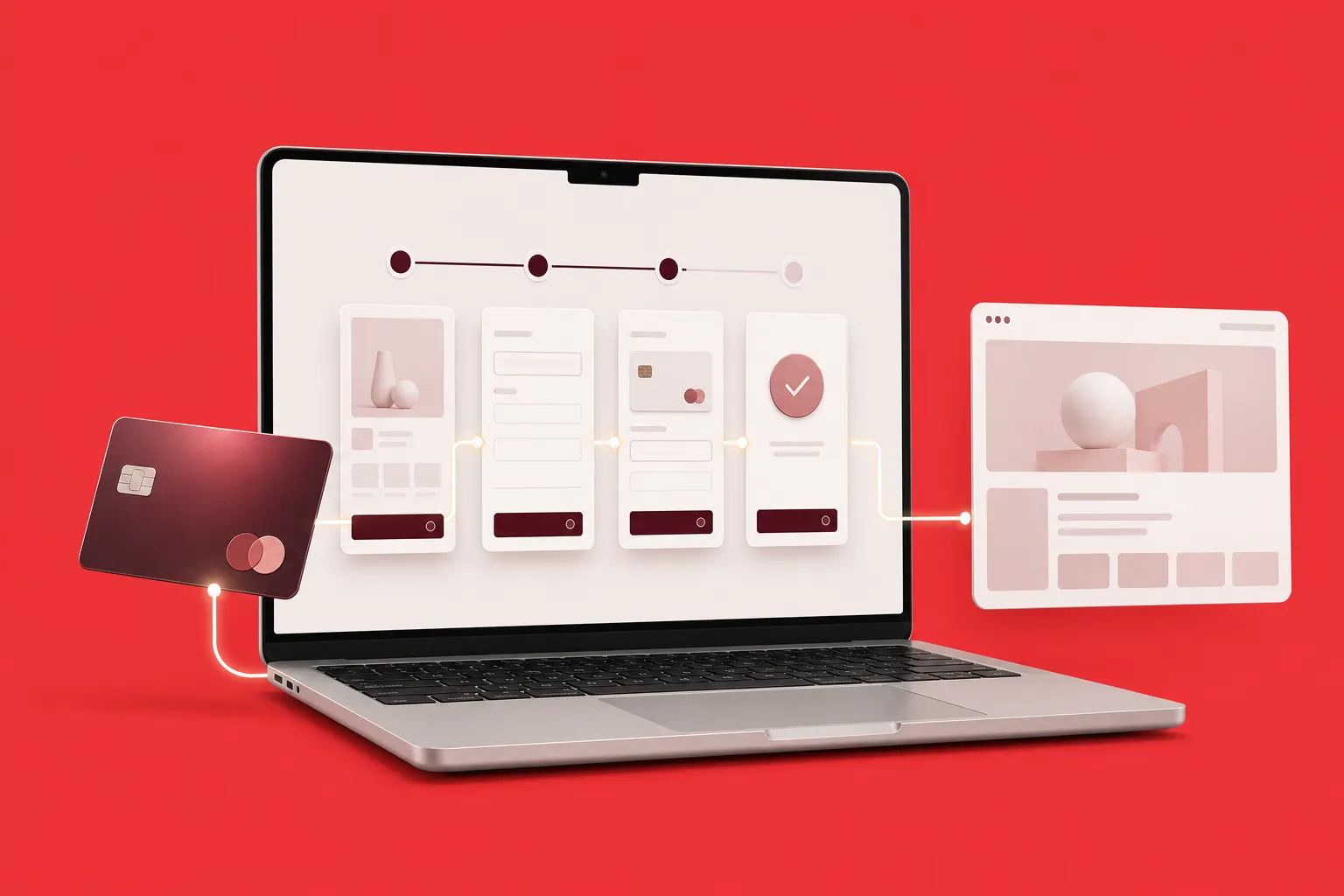
เทียบ 4 วิธีเชื่อม Stripe กับ Webflow ทั้ง Payment Links, Webflow Ecommerce, custom code และเครื่องมือเสริม พร้อมขั้นตอนจริงและเช็กลิสต์ก่อนเปิดรับเงิน
